You launch a campaign. The first orders come in. Then the messages start, and they do not stop.
"How much?" — "Do you deliver to my city?" — "Is the blue one in stock?" — "How many days does it take?"
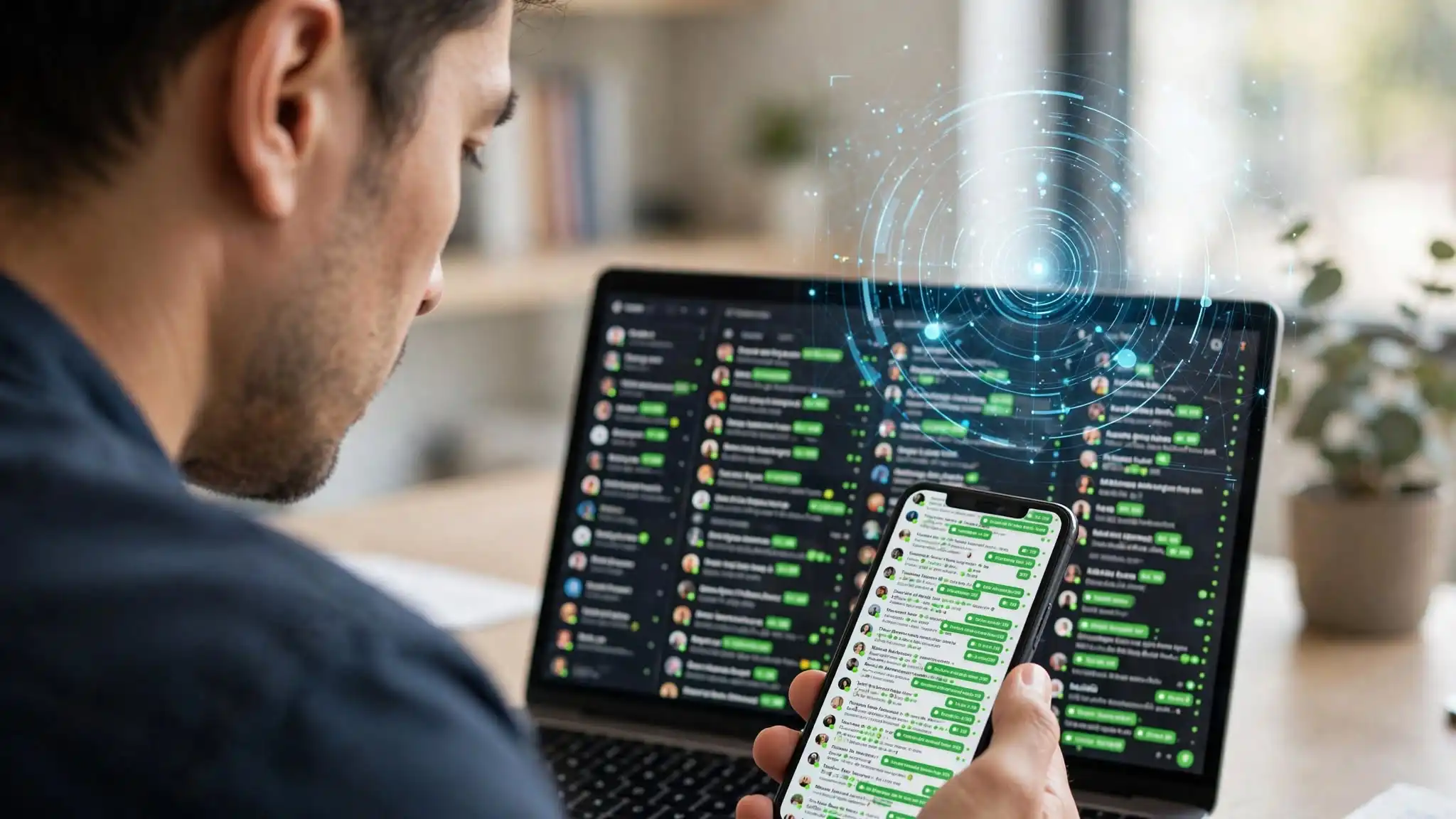
By noon you have three hundred unread messages. By six in the evening, six hundred. You answer as fast as you can type, but while you write one reply, fifteen new questions arrive. And this morning's are still waiting.
The real problem is not the volume
It is the repetition.
Ask yourself: out of a hundred messages yesterday, how many asked something genuinely new? Five? Ten? The rest were the same four or five questions, worded differently.
You are not working. You are copying.
And while you copy, you are not doing the thing only you can do: talk a hesitant buyer into a sale, rescue an order going wrong, decide on a discount.
What people try first
WhatsApp Business quick replies. Useful, but you still have to trigger them. The customer still waits for you to open the app.
The away message. It says "we are closed, we will reply tomorrow". The customer buys elsewhere tonight.
Hiring someone. That is a real solution — for real questions. Not for typing the price three hundred times a day. And one person does not cover the night, the weekend, or the launch-day spike.
Another phone number. You double the workload instead of cutting it.
The fix: sort before you answer
Incoming messages fall into two piles.
The first pile is everything you have already answered before: your price, your delivery times, your coverage area, your sizes, your return policy. That pile does not need you.
The second pile is everything else. That one needs you, and only that one.
Replying automatically on WhatsApp is therefore not about replacing the salesperson. It is about giving back the hours the first pile was stealing.
How WA ChatBox handles it
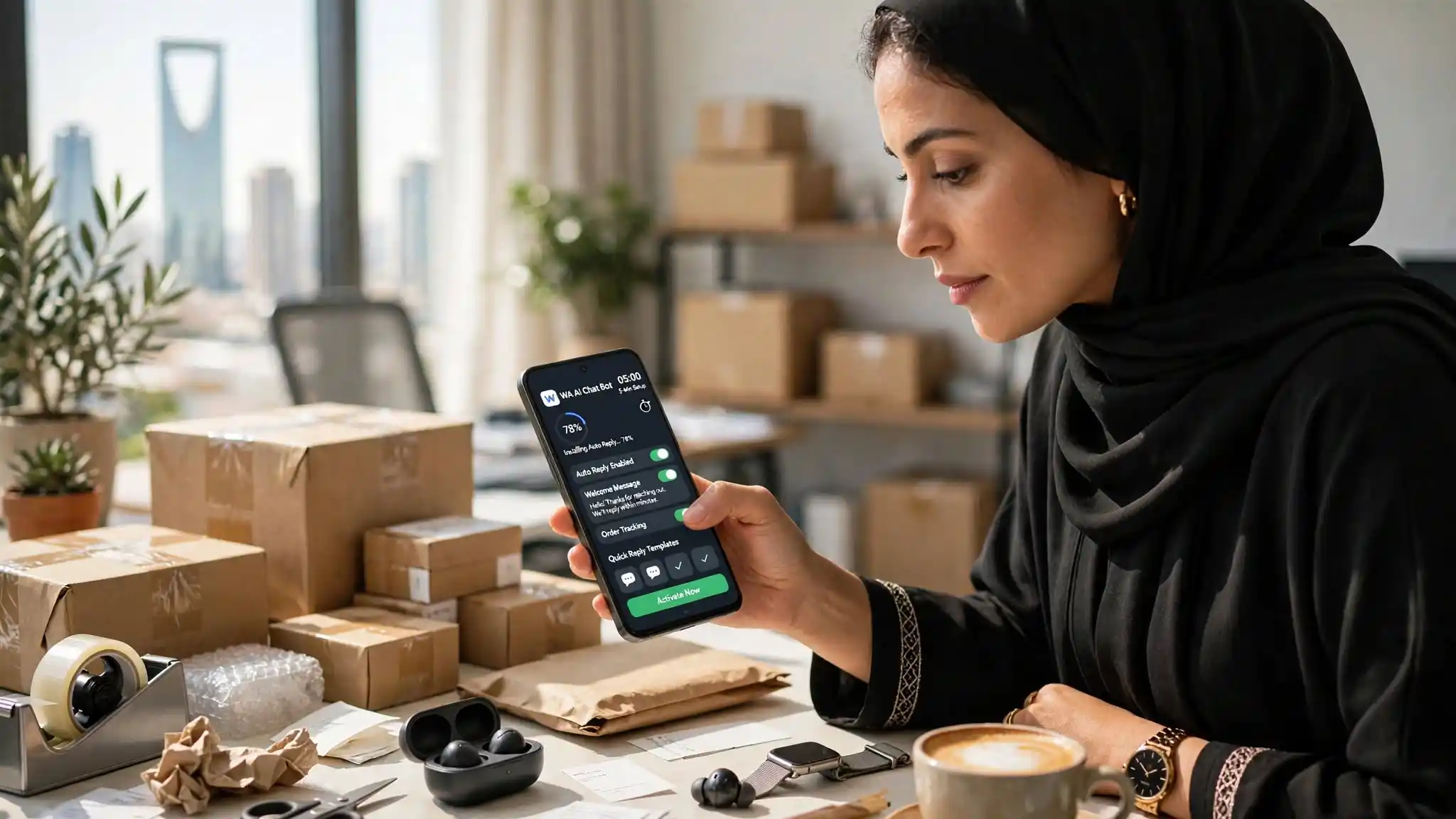
You write down once what your business sells: products, prices, hours, delivery areas, lead times, conditions. In plain words, the way you would explain it to a new employee on day one.
The app then reads the WhatsApp notifications arriving on your phone and answers from that text. No invented answers: it works from what you wrote.
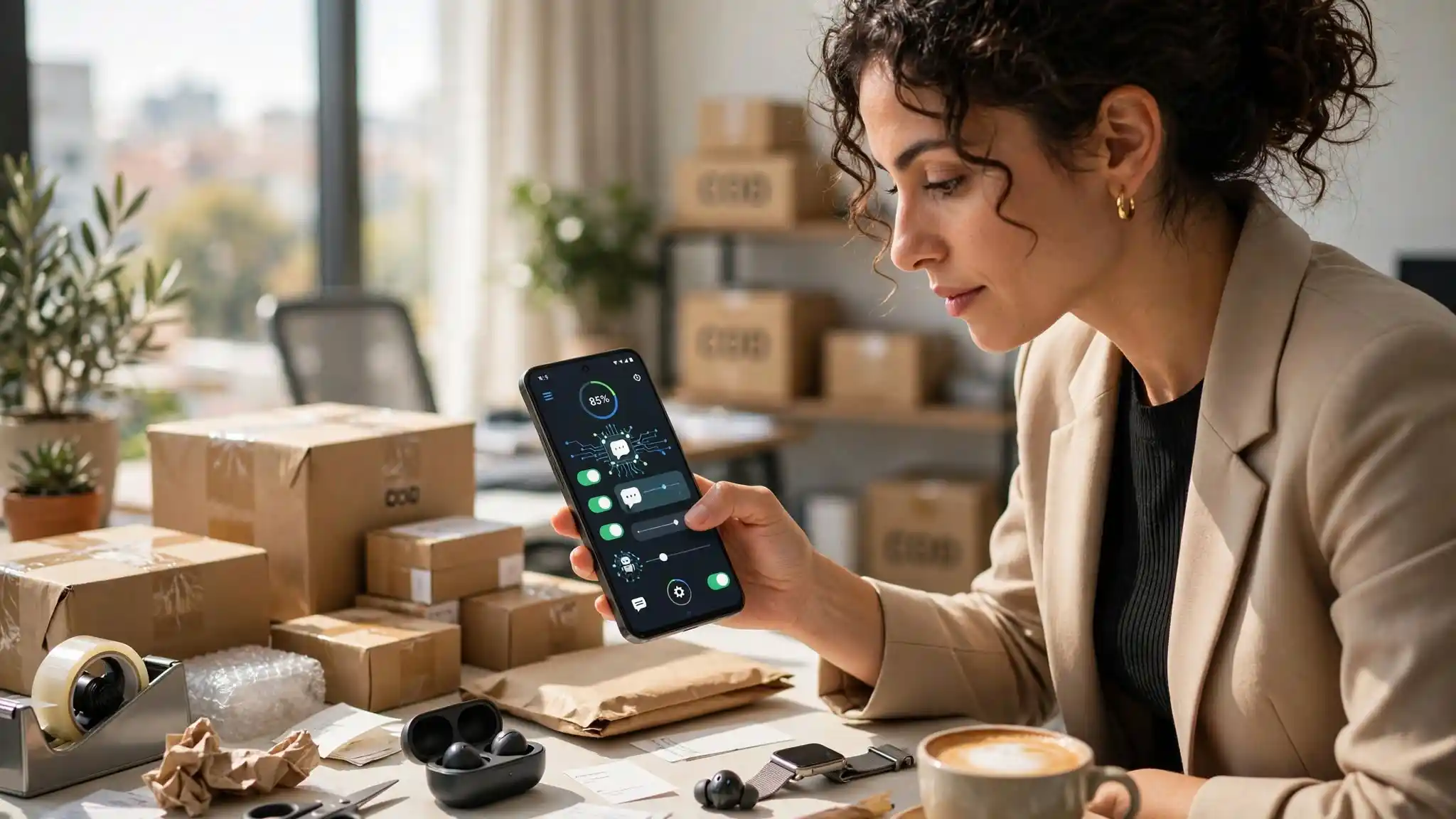
A few things that matter day to day:
- It replies in the customer's language. A message in Arabic gets an Arabic reply, a message in Spanish a Spanish one. Nothing to configure.
- It waits a few seconds before replying, so the exchange reads naturally.
- You can set working hours, so it stays quiet at night if you prefer.
- You can write fixed rules: this keyword, that exact answer. Everything else goes to the AI.
- It reads photos too. A customer who sends a picture and asks "do you have this?" gets an answer.
What it does not do
Better to say it now than disappoint you later.
It does not replace a salesperson in a negotiation. It answers what you taught it; beyond that, it is your turn.
It runs on Android, not iPhone. The phone has to stay on and connected: it is the phone doing the work.
And it has no connection to WhatsApp or Meta. It is an independent app that uses your phone's notifications, exactly as you would by hand.
Getting started
Install it, write your information, switch it on. You can test an answer before a single customer writes.
Start with one campaign day. Count the messages you no longer had to answer yourself. That is the only number that matters.