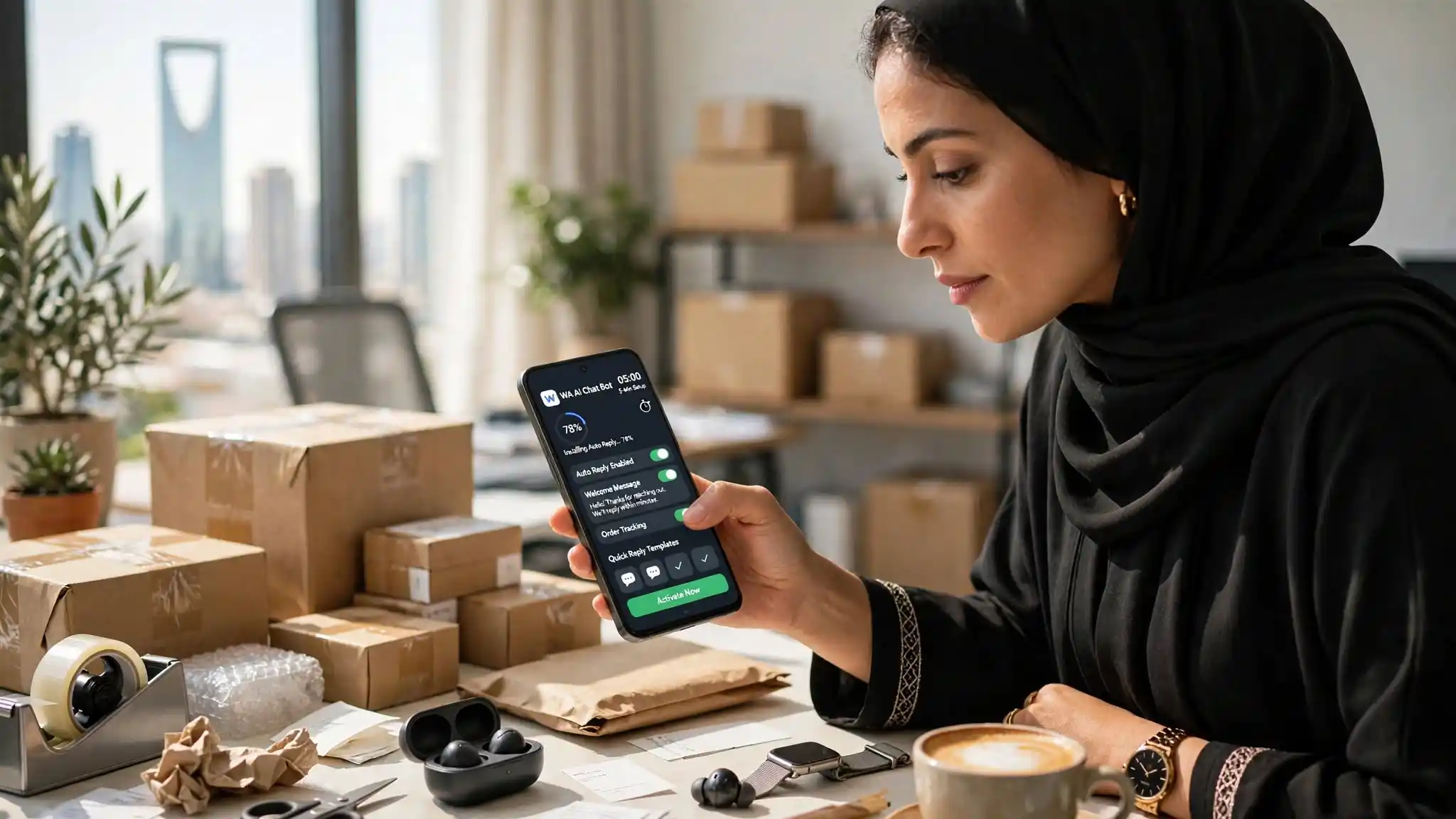
Most guides on automating WhatsApp open with a list of administrative prerequisites. This one opens with your phone.
Here is what to do, in order, and what each step is actually for.
Before you start
Two things, and that is all:
- An Android phone with WhatsApp or WhatsApp Business already installed.
- Your business information, which you can write on the spot.
No Meta Business account. No business verification. No extra phone number.
Step 1 — Install the app
WA ChatBox on Google Play. The app opens in your phone's language.
Step 2 — Create your account
A Google address is enough. You are asked for your name, your country and your WhatsApp number. The free trial starts immediately.
Step 3 — Allow notification access
This is the step that matters, and the only one that surprises people.
Android requires a permission before an app can read other apps' notifications. Without it, the bot sees nothing arriving. The app opens the right screen for you; you just tick WA ChatBox in the list.
That same permission is what lets it reply without ever opening WhatsApp.
Step 4 — Write your business information
The Business tab. This is where the quality of every future reply is decided.
Write what you would tell someone covering for you for a week: your products, your prices, your hours, your delivery areas, your lead times, your return policy.
One piece of advice against our own interest: keep it short. The essentials, not the exhaustive version. This text is re-read before every reply; the longer it is, the more each reply consumes — and the more the important information risks being buried.
Step 5 — Check the indicators, then switch on
The home screen shows a list of status dots. They should all be green.
Two deserve attention on Xiaomi, Oppo, Vivo and Huawei phones:
- Battery optimisation must be turned off for the app, otherwise Android stops the bot shortly after the screen goes dark.
- Auto-start must be enabled. That is a manufacturer setting, not an Android one: without it, the phone prevents the app from restarting and the service stops on its own.
Then test a reply from the home screen before switching on. Type "Hi, how much is it?" and look at what comes out. If the answer suits you, switch on.
What to know afterwards
The phone has to stay on and connected: it does the work.
The app answers people who write to you; it does not prospect.
And it has no connection to WhatsApp or Meta.
How long, really
Install and account take two minutes. The permission, thirty seconds. The business text is the only step that needs thought — allow ten minutes to do it properly.
That is still less than the wait for a single approval on the official route.