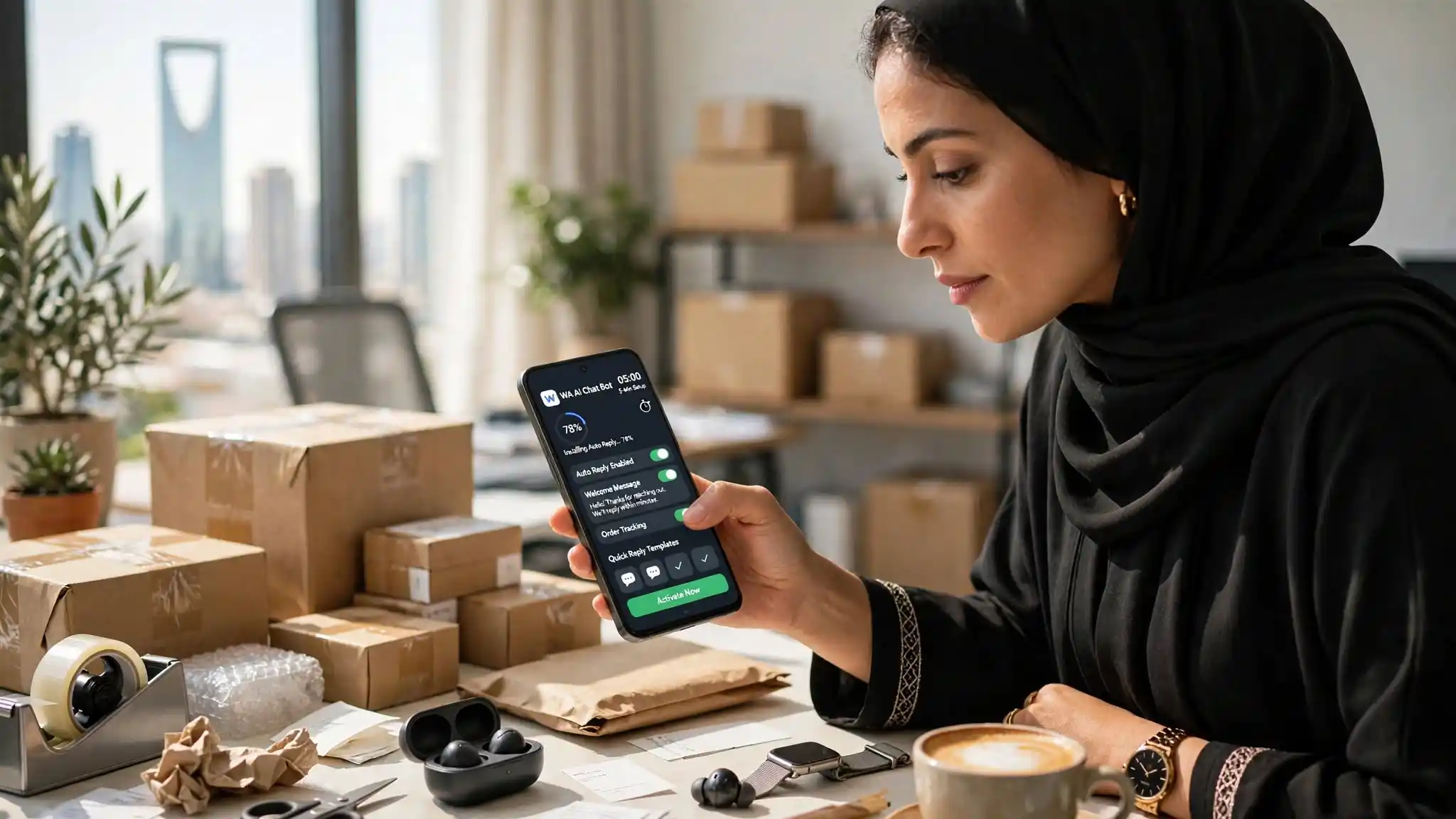
You decide to automate your WhatsApp replies. You are pointed to the official route. And you discover you cannot start until somebody else gives you permission.
What the official route demands before your first reply
Four gates, in order, and each one blocks the next.
A Meta Business account. Required, with no way around it.
Business verification. Meta checks that your company really exists: documents, proof, several business days. The providers themselves call this the most common cause of delay.
Display name approval. The name your customers will see must be submitted and approved before your account goes live. Anywhere from a few hours to several business days.
A clean phone number. And this is the gate nobody warns you about loudly enough.
The phone number trap
The number you use on the official route must not be attached to any existing WhatsApp account.
Your current number — the one on your ads, the one your customers know, the one holding your whole conversation history — has to be deregistered from WhatsApp first before it can be used.
Read that twice. To automate the number your customers know, you must start by removing it from WhatsApp.
In practice nobody does that. They take a second number nobody has ever seen, and start from zero.
What the wait actually costs
It is not just lost time.
While your application sits in review, your campaigns keep running. Messages keep arriving. You answer them by hand, exactly as before. The week automation would have helped most is the week it does not exist yet.
And if verification is rejected — a non-compliant name, incomplete documents — you start again.
The route that needs no permission
Your phone already receives the messages. It already shows a notification. That notification already has a "Reply" field.
Everything is already there. All that is missing is someone to type.
WA ChatBox reads your phone's WhatsApp notifications and answers through that same field. What that removes:
- No Meta Business account. Nothing to create.
- No business verification. No documents to supply.
- No display name to get approved. Customers see your usual name.
- No number to sacrifice. Your current number stays your current number, history intact.
- No waiting. Install, write your information, switch it on.
What you trade away
You need an Android phone, switched on and connected: the phone does the work. No iPhone, because iOS does not let an app read other apps' notifications.
The app answers people who write to you; it does not prospect. For bulk outreach, the official route remains the only permitted one.
And it has no connection to WhatsApp or Meta.
When to take the official route anyway
If you send thousands of outbound messages, if you run several brands, if a team of fifteen shares one inbox: the official route is built for that, and the wait is justified.
If you sell from your phone and simply want to stop retyping the same price: install, and start today.